Start with the best available original
Compress a copy of your original photo, not a screenshot of a compressed preview. Repeated JPG encoding can introduce additional artifacts. Returning to the original when you change the target avoids making every new attempt depend on an earlier lossy output. ExactKB reprocesses the selected original when you change settings and compress again.
Choose the format for the image and destination
JPG is often practical for photographs when the receiving service accepts it. WebP offers another lossy output and can retain transparency, but a destination that only accepts JPG will still reject it. PNG is useful for flat graphics and transparency; a photograph saved as PNG can be much larger. In this tool, PNG may need a substantial reduction in dimensions to reach a small byte budget.
Changing a filename extension does not convert an image. Choose the output format in the tool and inspect the downloaded result. For documents or forms, the destination’s stated file format takes precedence over a smaller result in another format.
Inspect details that matter
Look at text strokes, hair or foliage, and gradients rather than only the overall thumbnail. Check output dimensions: fitting within the byte limit is not enough if a service requires a minimum width or height. If detail is poor, try the largest budget the destination actually permits. A smaller maximum dimension can help some images, but it can also make small text illegible. There is no universal best setting.
Lossless does not mean identical to your original
PNG stores the final canvas without JPG-style quality loss. The canvas may already have been resized, and original metadata is not preserved. JPG and the tool’s lossy WebP output trade some image information for smaller files. For an archival copy or a print master, keep the original file.
Measured examples
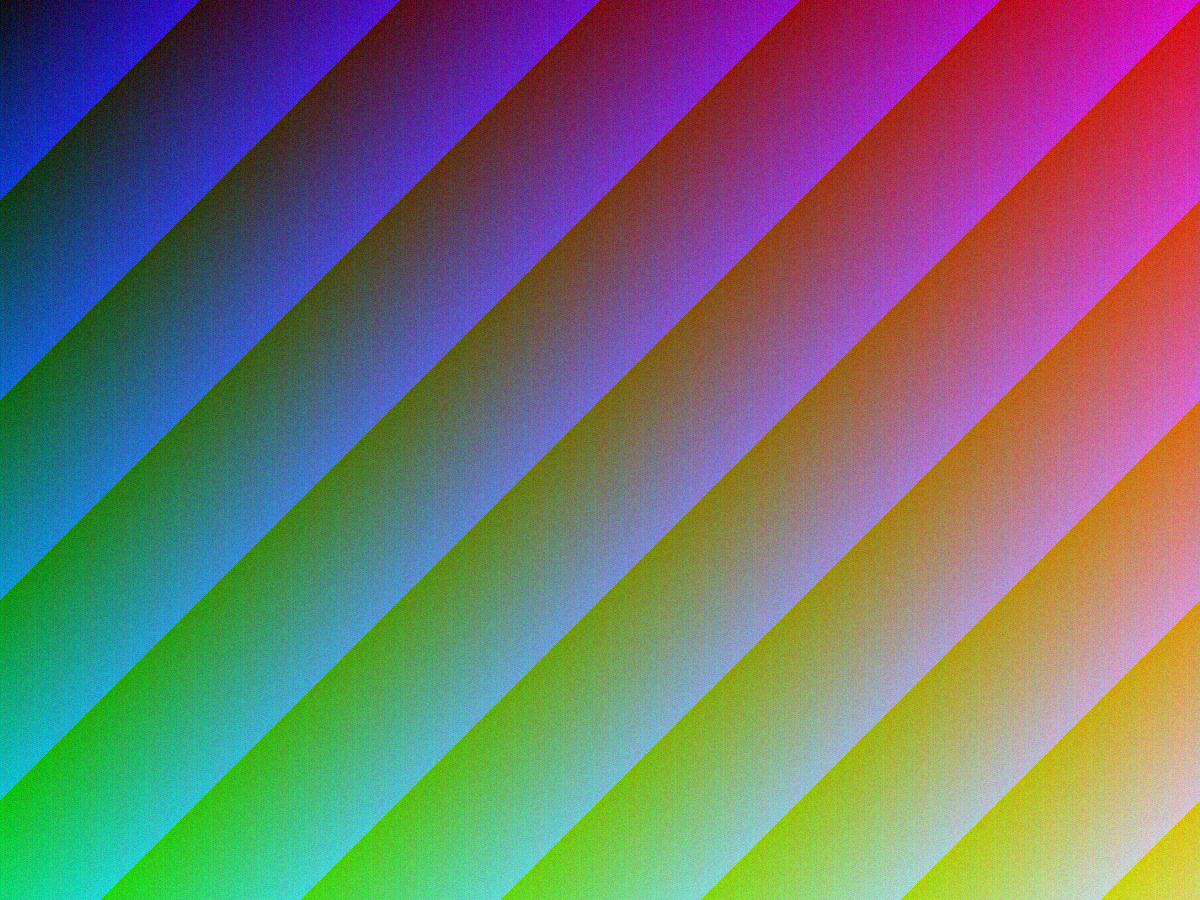
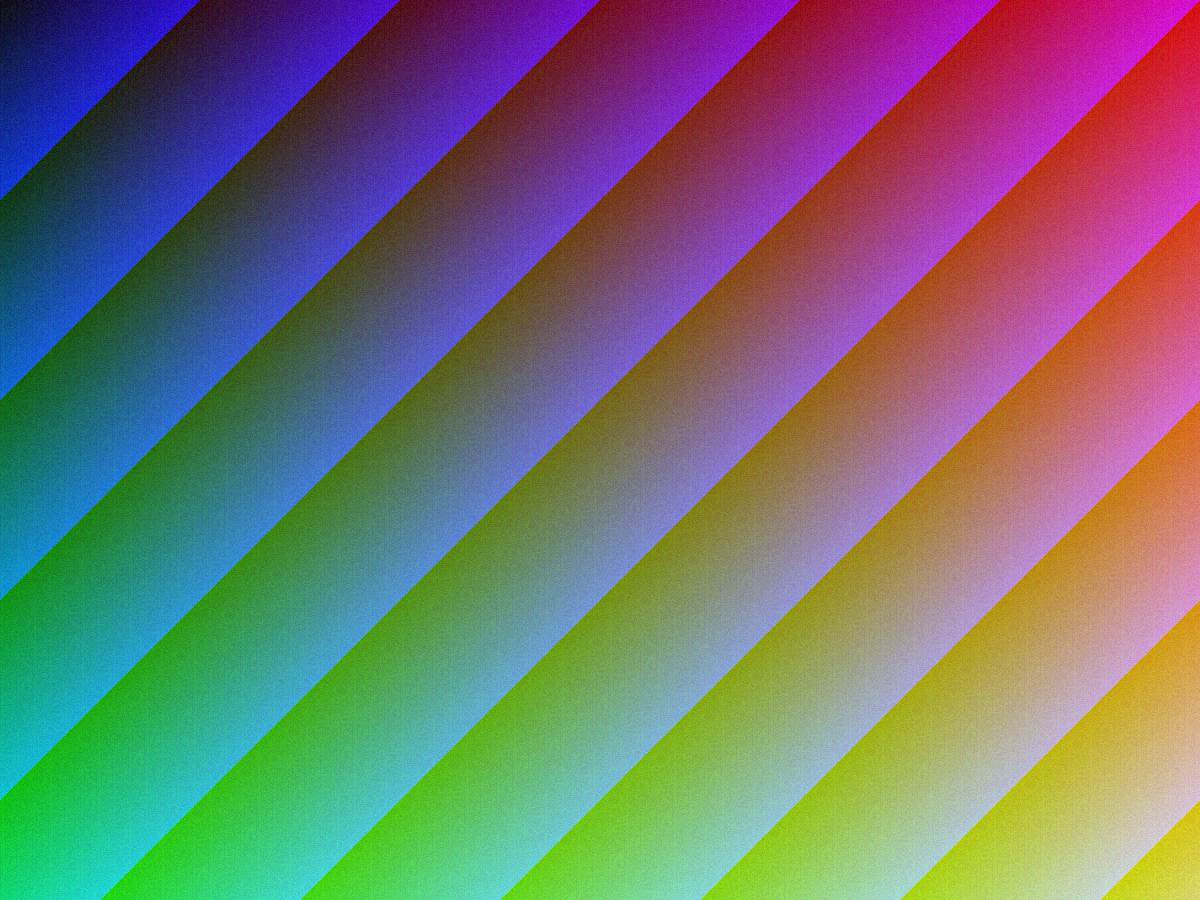
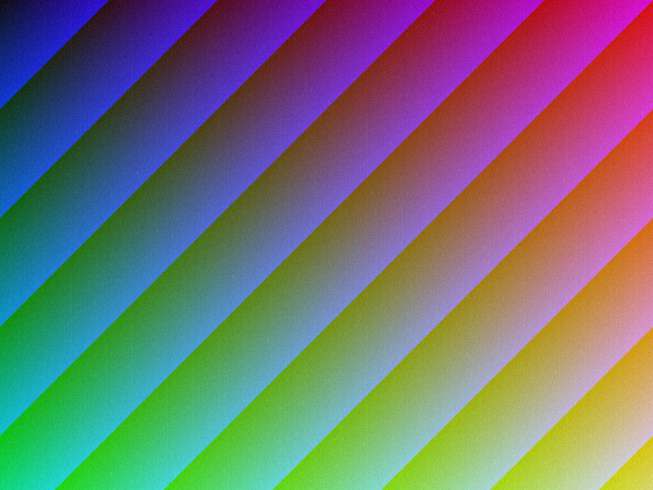
The samples below use synthetic images created for this site, without personal photos or identification documents. They show actual results from one browser and test run, not expected sizes for every photograph. Download both files to inspect them directly. Later browser encoders may produce different output.
Textured gradient at 100 KB
Measured 27 September 2026 in Chrome on macOS. 3,031,966 input bytes, 1200×900 pixels; target 100,000 bytes. Output: 95,925 bytes, 1200×900, JPEG. Dimensions were retained. This generated texture is a reproducible stress sample, not a prediction for your photograph.
Textured gradient at 20 KB
Measured 27 September 2026 in Chrome on macOS. 3,031,966 input bytes, 1200×900 pixels; target 20,000 bytes. Output: 19,894 bytes, 653×490, JPEG. The tighter cap reduced dimensions. Compare visible detail before choosing a low limit; different images and browsers produce different results.
Use the result, not a slogan
“Without losing quality” is too broad a promise for a lossy compressor. The goal here is a file that fits the selected cap while remaining useful to you. Read how the search works, or choose a 50 KB, 100 KB or 200 KB target and compare the result.
All guides · Privacy · Contact